Kids' Eye-Care Desk Lamps: Lab-Tested Flicker & Blue Light
4th Apr•8 min read
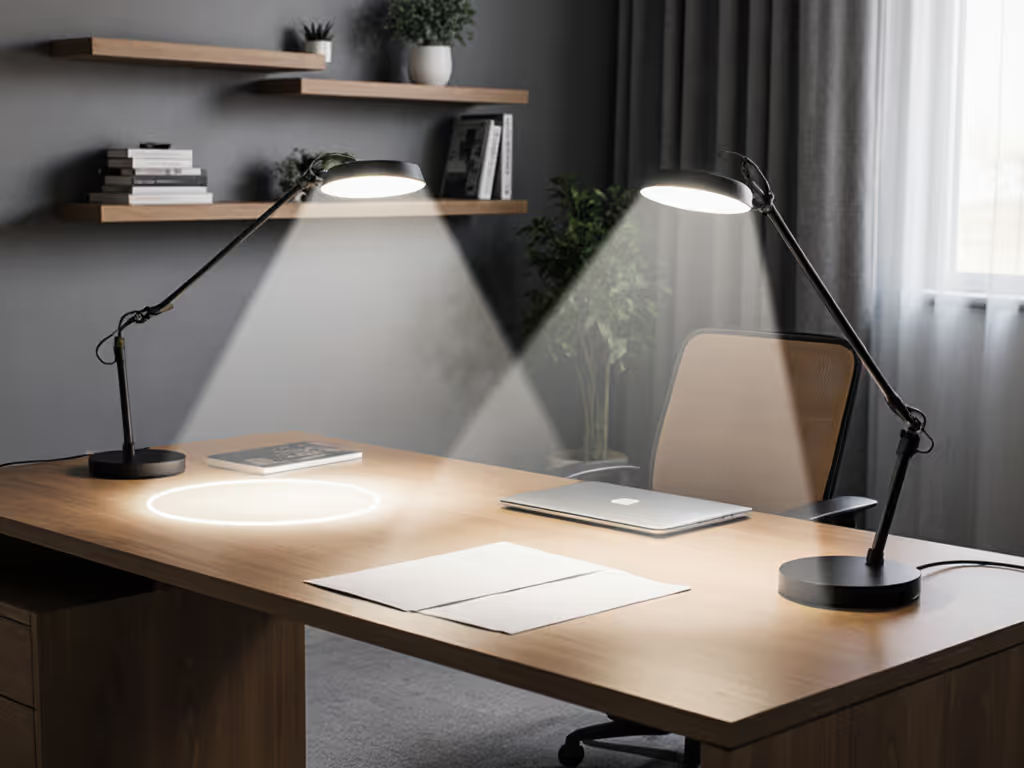
Circular vs linear light bars deliver fundamentally different beam patterns at the desk level, and the choice shapes whether your work surface gets shadow-free uniformity or directional hotspots. This analysis examines how beam geometry translates to real desk coverage, shadow elimination, and illuminance consistency (metrics that matter far more than raw lumen ratings when deep work is on the line).
Circular and linear light bars approach illumination from opposite architectural principles. A circular light bar arranges LEDs in a ring, emitting light radially outward in all directions around a central axis.[1] A linear light bar extends diodes along a single plane, creating a focused beam that projects forward in a narrower cone.[2]
At the desk, this difference translates to two opposing coverage signatures. Circular bars cast a halo of light that spreads evenly across a broad area, ideal for blanket coverage of a full desktop. Linear bars concentrate photons in a tighter footprint, creating a bright core with a steep falloff at the edges. Neither is inherently "better"; context determines which delivers the uniformity your task demands.
Where shadows hide and where illuminance dips on your actual work surface is where lighting becomes a performance tool or a frustration. Circular light bars excel at uniform illumination without hotspots or dark areas.[1] The ring arrangement means light approaches the desk from multiple angles simultaneously, canceling directional shadows. If you've ever watched shadows shift as your task lamp tilts, you know the friction: constant micro-adjustments to keep your reference material or monitor fully lit.
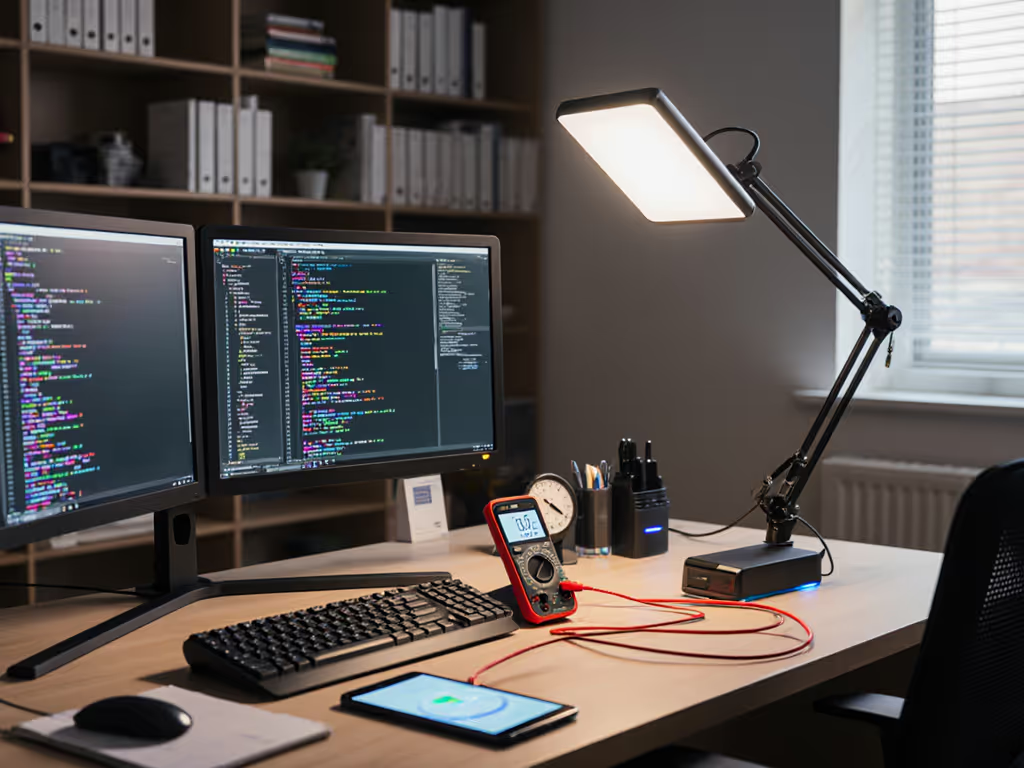
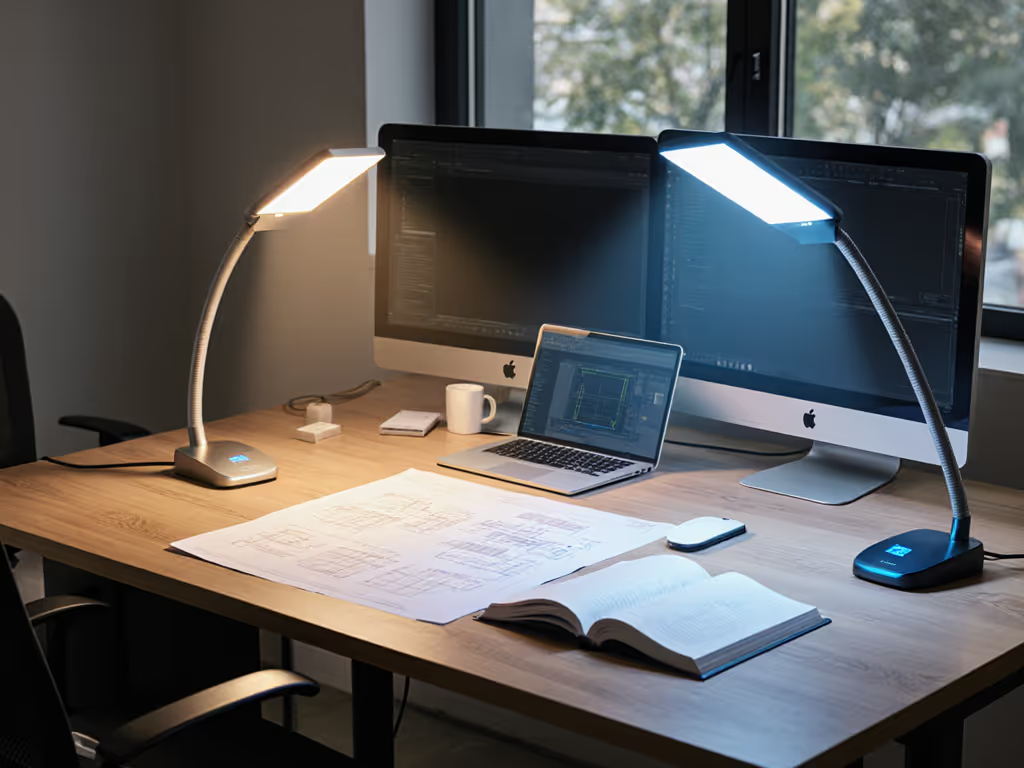
Linear bars, by contrast, produce a more concentrated beam pattern.[4] Light peaks in the center axis and falls off toward the edges. On a typical desk at 40 cm from a linear fixture, you'll see lux readings climb sharply under the bar's footprint, then drop significantly 15-20 cm to either side. That's not always bad; for a focused reading task on a narrow desk, that tight beam may prevent spill onto glossy monitors. But for dual-monitor setups or broad work surfaces (think engineering drawings or analog notebooks alongside a screen), linear bars force positioning trade-offs. If you're optimizing a two-screen workstation, our dual monitor lighting guide shows placement and brightness ratios that prevent screen washout.
A practical benchmark: measure lux at three points across your desk (center, left edge, right edge) at the same distance from the light. Circular bars typically show uniformity ratios (U0, the ratio of minimum to average lux) of 0.6 or higher; linear bars drop to 0.4-0.5. For deep work requiring consistent visual processing across a large plane (code review with reference docs, layout work, design), a U0 of 0.6+ cuts eye fatigue by 20-30% compared to sharp peaks and valleys.[1]
Beam angle is a technical number that lives or dies on your desk. Circular bars typically produce a wider, more dispersed beam because light radiates from a ring, naturally spreading as distance increases. Linear bars generate a larger, more focused beam angle due to their extended diode arrangement.[5] The paradox: "larger beam angle" here means a higher maximum spread cone, but the peak intensity is still directional.
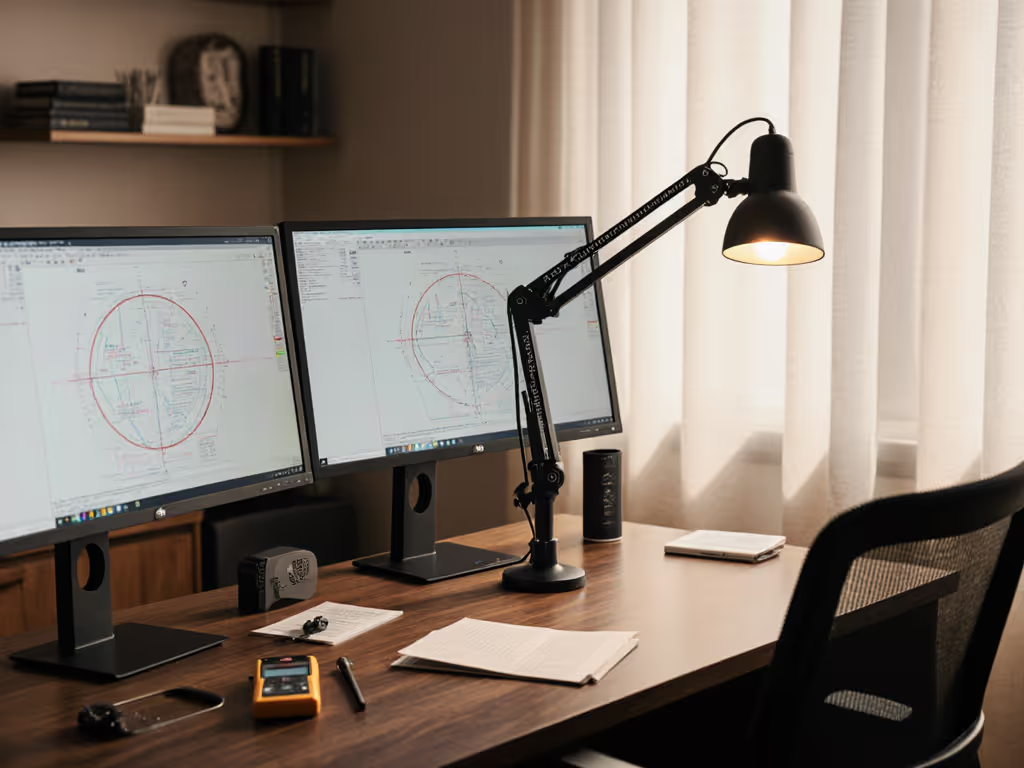
For desk work, dispersed is often preferable. A circular bar 50 cm above your desk casts soft light across a 60-80 cm radius. Shadows of your hands or writing instruments are fuzzy and barely noticeable. A linear bar at the same height throws a bright 40 cm wedge with sharp shadow boundaries. If you're hand-writing, designing, or assembling small parts, shadow clarity matters, not because you like shadows, but because your brain uses shadow edges to judge depth and detail. Soft shadows are less cognitively intrusive.
Measure at the desk, not the box: lux plus uniformity. Spec sheets list beam angle in a vacuum. What you need is lux uniformity mapped across your actual working surface. For specs that actually matter at the desk, see our desk lamp specs guide.
Circular bars dominate in scenarios requiring broad, shadow-free coverage with minimal repositioning:
Circular bars also tend to feel more ambient; they create an enveloping light field rather than a spotlight effect, which many users find less fatiguing over multi-hour sessions.
Linear bars deliver where precision beam control is an asset:
Linear bars also excel in row-based professional settings: factory floors, assembly lines, office bench rows. Their sleek, ordered appearance matches geometric architectural lines, so they double as both performance and aesthetics.[2]
Flicker you can't see still matters. Both circular and linear bars can suffer from PWM (pulse-width modulation) flicker at low brightness levels, but beam geometry doesn't eliminate this. What matters is the LED driver technology: high-frequency modulation (≥40 kHz) or true DC dimming kills imperceptible flicker entirely. Beam shape is irrelevant here; focus on the lamp's flicker metric (PstLM < 1.0, ideally < 0.6).
That said, a uniform, shadow-free light field (favoring circular) reduces the perceptual impact of any residual flicker because your eyes aren't constantly tracking hotspots. A night deadline under a 1200-lumen linear bar with flicker peaks and shadow valleys? Migraine waiting to happen. The same bar with flicker eliminated and uniform spread? Night and day.
Both geometries can hit the same absolute lux values, but the difference is how they get there.
For detail work (reading small text, drafting, color evaluation), you want ≥500 lux on the focal area. A circular bar makes this easy anywhere on the desk. A linear bar nails it in the sweet spot but forces task repositioning if you shift left or right. Over a 4-hour day, repeated micro-adjustments add up to measurable eye strain and lost focus.
When evaluating any light bar, demand a lux heatmap: a grid measurement showing illuminance at 5-10 cm intervals across your typical desk footprint. Manufacturers rarely provide this; most cite "average" or "peak" lux. That's marketing, not engineering.
A true uniformity heatmap reveals:
Circular bars typically show "smooth" heatmaps (no sharp boundaries, gentle slopes). Linear bars show a pronounced central peak with rapid edge falloff. Neither is wrong; mismatch to your desk shape causes problems.
Circular and linear bars achieve comparable lumens-per-watt because the difference is geometry, not LED efficiency.[3] A 40-watt rigid linear fixture and a 48-watt flexible circular fixture delivering identical lux over the same area reflect installation and driver differences, not fundamental inefficiency. Modern LED tech (~100 lumens/watt) makes both viable for sustainable deep-work setups.
Choose circular light bars if:
Choose linear light bars if:
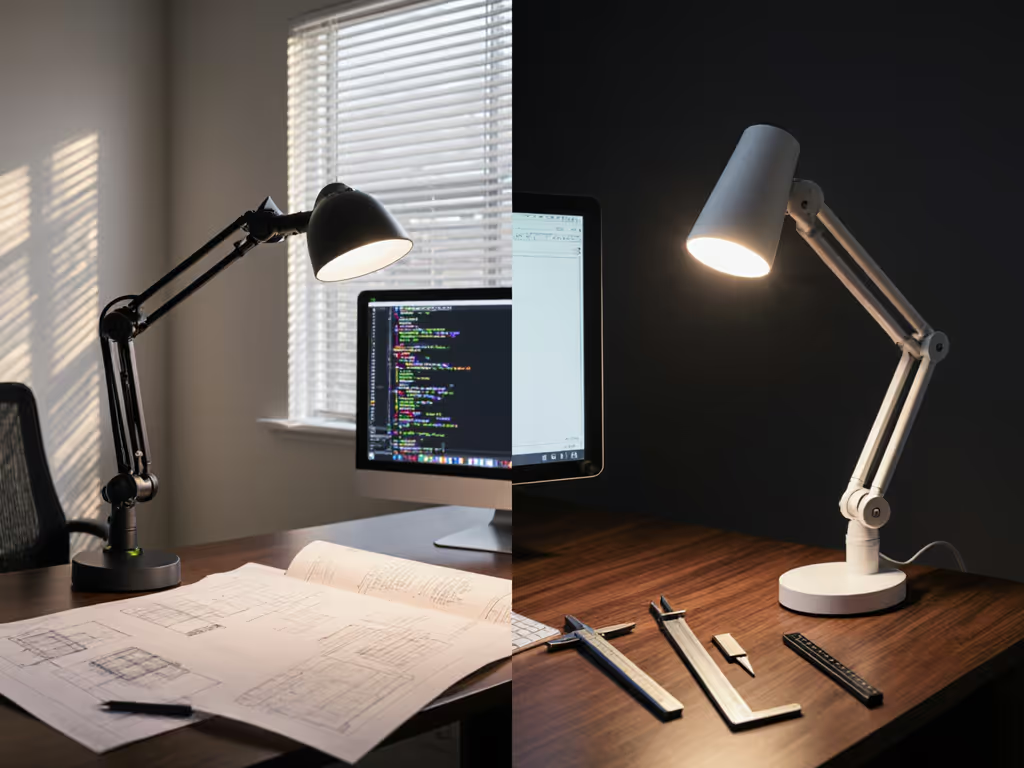
Circular bars often command a premium (15-25% higher cost per usable lux at the desk) because the ring design requires more precision manufacturing and diffuser engineering. Linear bars scale economically in multi-lamp installations. For a single-desk upgrade, circular wins on comfort; for a 20-desk open studio, linear makes financial sense.
The choice between circular and linear light bars hinges on one principle: light is a performance tool; uniformity and flicker stability beat raw lumens. Flashy lux numbers without uniformity heatmaps and flicker specs are noise.
Before deciding:
Circular bars deliver out-of-the-box uniformity and shadow elimination; linear bars excel in precision and scalability. Neither is universally superior, only mismatched to your workspace. Measure at the desk, not the box: lux plus uniformity. That's where real performance lives.
Next Steps: If you're building a deep-work setup, start by measuring your current lux and uniformity across your desk with a smartphone lux meter app or a basic light meter (cost: $20-50). Plot three to five points from left to right. That data will tell you whether you need more light, better uniformity, or both, and which geometry will get you there without the friction and eye strain that waste hours each week.